I think we’re more likely to protect a tree when we know its name.
On a familiar route, it’s easy to walk past the same tree without ever learning its name.
The familiar walk
Annotated · Sample article
Two ways to annotate
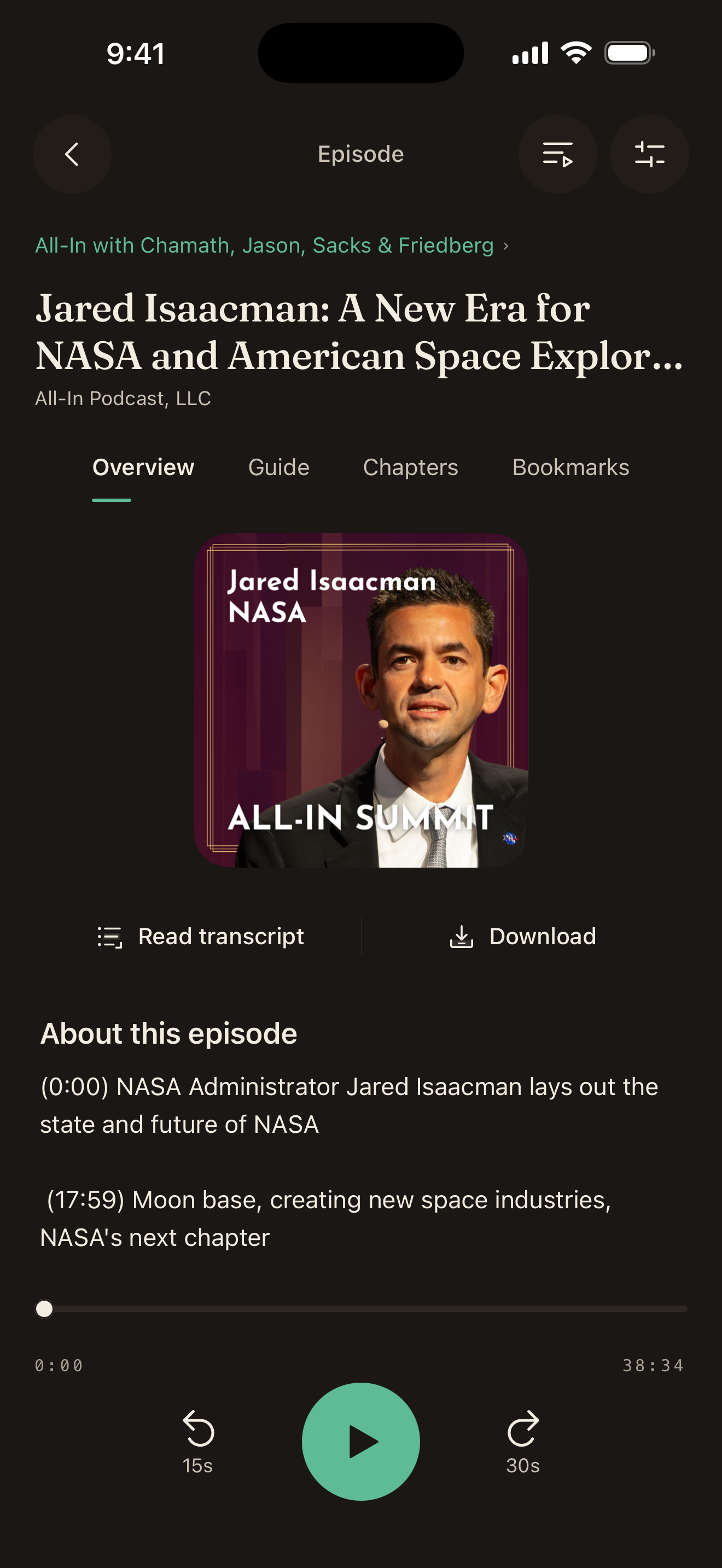
Listen on your phone. Clip a podcast moment, add your opinion, and keep it with the episode.
Available for
iPhone and Android
Desktop Chrome beta
Manual install
The four-day week
A 30-second podcast passage is selected, from 12:40 to 13:10.
I’d trade a longer week for better focus.
Listen on your phone. Clip a podcast moment, add your opinion, and keep it with the episode.
Available for
iPhone and Android
Desktop Chrome beta
Manual install
Listen to your shows. Save a moment with a note when you want to come back to it.
Explore the podcast appAvailable for iPhone and Android.
Build your queue, change playback speed, and download episodes for offline listening.
Annotate text, audio, and video in Chrome on your computer. Add your comment, then share it.
Desktop Chrome · Beta · Manual install
I think we’re more likely to protect a tree when we know its name.
On a familiar route, it’s easy to walk past the same tree without ever learning its name.
Annotated · Sample article
Publishing creates a public annotation.
Read the communityTest example from app with note (I should make it easier to know to scroll down
Agree with this
This would be truly amazing
EXTREMELY SAVVY move by @finkd to release no-camera smart glasses 🤓 Has anyone created a pendent or glasses that yo…
This is the best idea
Use either one. The podcast app has its own player and library. The Chrome extension helps you annotate sources while you browse.
In the podcast app, choose a private bookmark or a public clip and comment. Publishing from the Chrome extension creates a public annotation.
On supported pages, use the extension to select up to 90 seconds. Video annotations link to the original, with timestamps on supported players. Capture support varies by site.
Next time something makes you pause,